Documentation
QueueCraft docs
Everything here describes the product as it actually behaves. Where a rule is deterministic, the rule is stated exactly.
Getting started
QueueCraft needs no account. Open the studio and the workspace is ready; it lives in your browser's local storage from the first keystroke.
Add your first idea
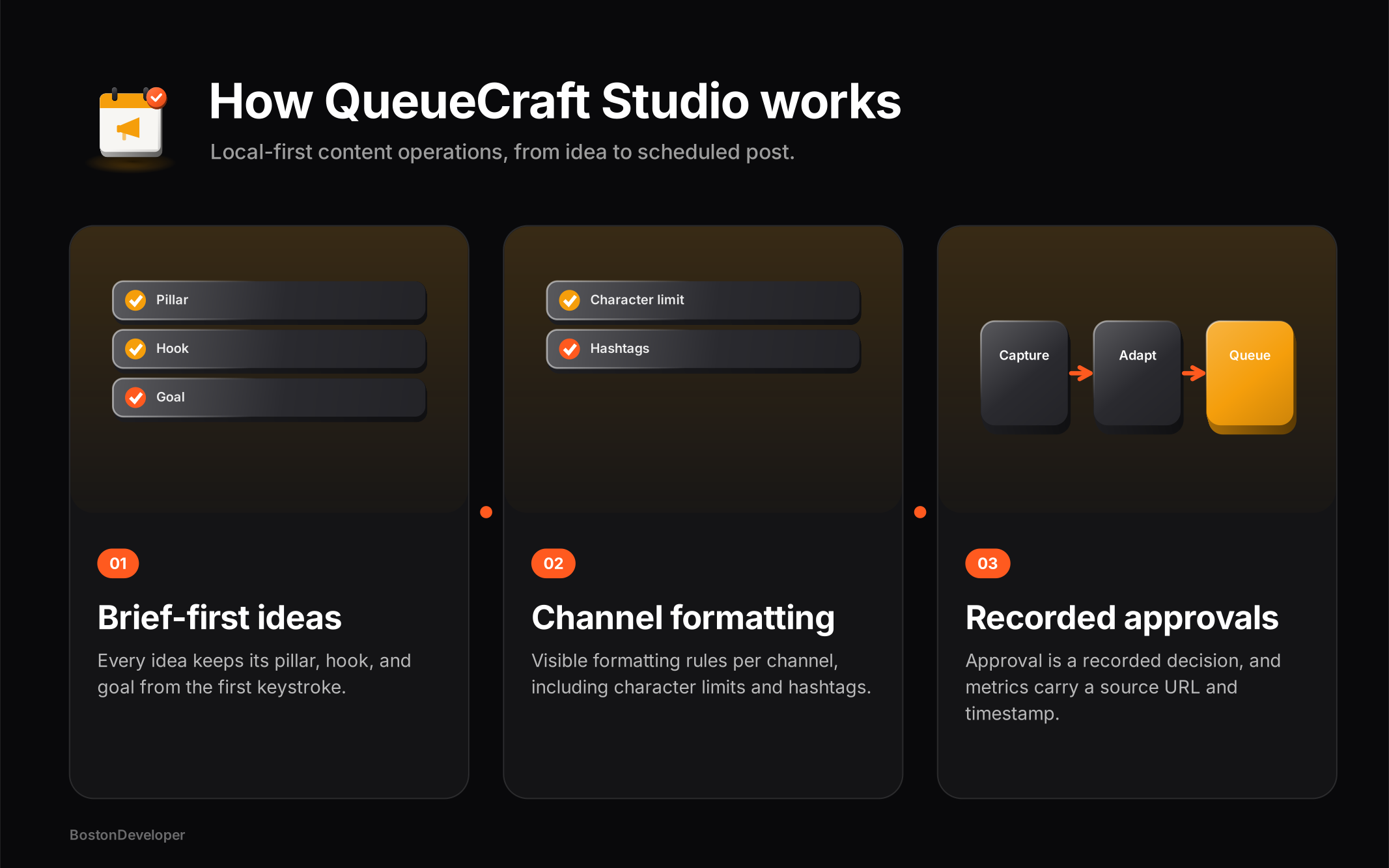
Open Ideas. Title, pillar, hook, and goal are all required - the hook is the idea, so it cannot be skipped.
Compose variants
Move the idea forward to Ready, hit Compose, write the master copy, and build variants for all five channels at once.
Schedule on rails
Define weekly slots in Queue, assign a variant to the next open slot, and watch the calendar fill forward.
Review and export
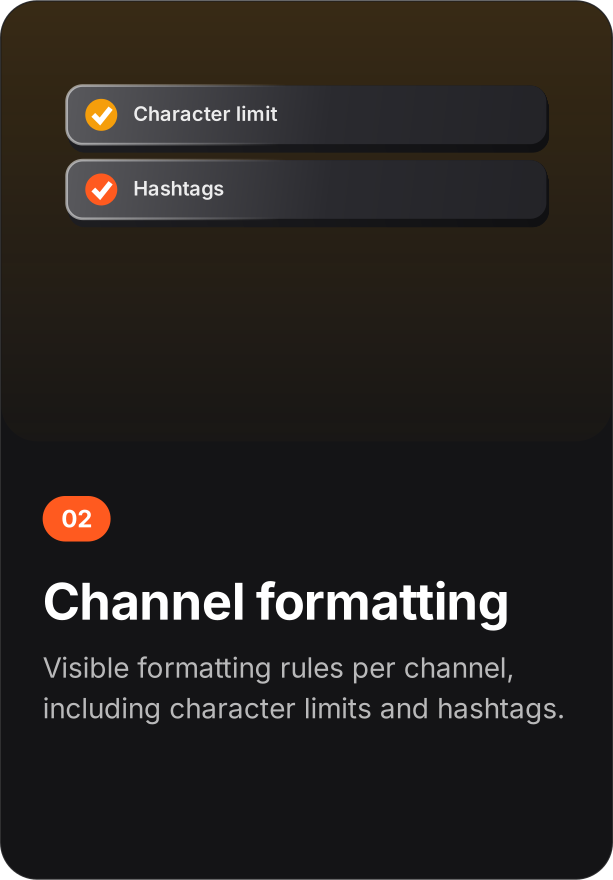
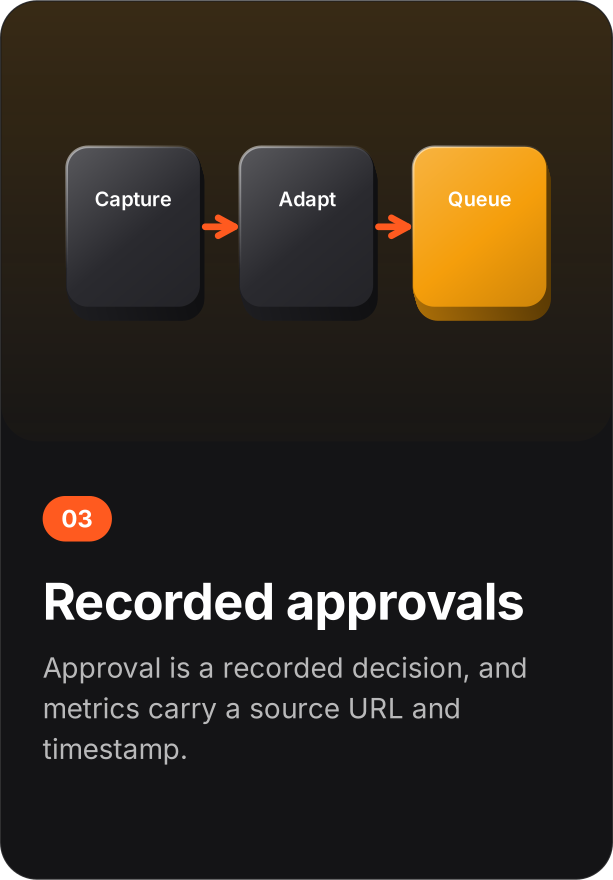
Approve work in the Review desk, then export the workspace as JSON any time. That file is everything.
Concepts
Idea - a title, pillar, hook, and goal moving through three lanes: Spark, Drafting, Ready. Variant - channel-shaped copy derived from an idea's master text by deterministic rules. Slot - a recurring weekly posting time, optionally per channel. Scheduled item - a variant assigned to a concrete date and time, with a status a human maintains. Observation - metrics you recorded yourself, with the live post URL and the time you looked. Brief - a campaign's non-negotiables: core claim, required phrase, disclosure, forbidden terms, minimum gap between posts.
Status vocabulary is deliberate: Planned, Ready for review, Approved, Manually posted, Verified. A calendar time is a plan, never a delivery receipt.
Ideas and briefs
Five pillars ship with the studio: Teach, Build in public, Customer story, Point of view, Community. The board groups ideas into Spark, Drafting, and Ready; Move forward advances an idea, Reopen sends it back. Ideas deleted from the board are gone from the workspace export too - there is no trash, by design.
Channel rules
The composer applies these exact rules. They do not change between sessions, and no model is involved.
| Channel | Character budget | Transformation |
|---|---|---|
| 3000 | Master copy, plus tagged destination URL when one is set | |
| Threads | 500 | Master copy, plus tagged destination URL when one is set |
| Bluesky | 300 | Master copy, plus tagged destination URL when one is set |
| 2200 | Master copy plus a hashtag line generated from the campaign tag, plus tagged URL when set | |
| X | 280 | Master copy, plus tagged destination URL when one is set |
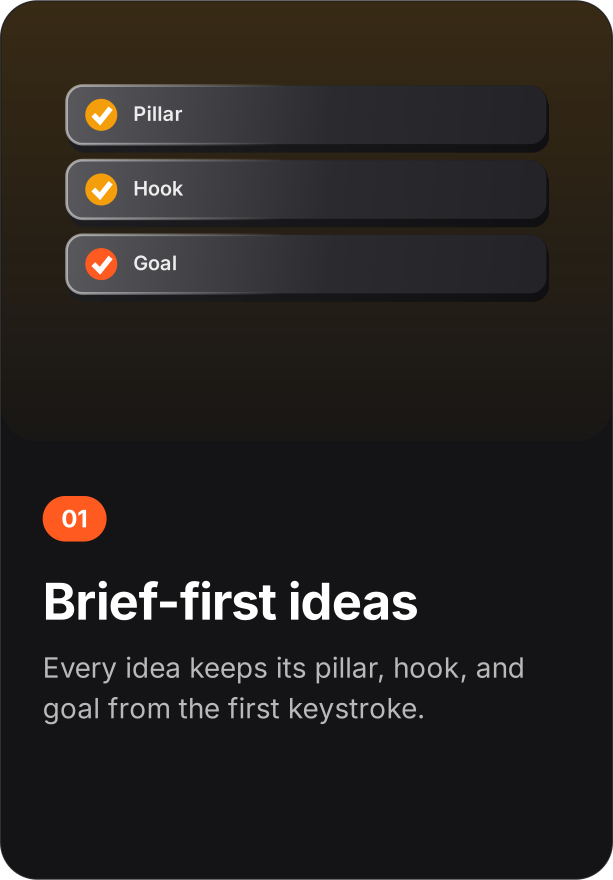
Each variant card shows a live character count against its channel budget and a lint line that flags over-length copy and missing URLs before you schedule. Tagged URLs carry the campaign tag for attribution.
Calendar and queues
Slots are weekly: channel (or any channel), weekday, time. Assigning a variant takes the next open matching slot. The calendar view renders a month grid with prev/next navigation, a day detail panel, and plan statistics. The cadence goal (1-21 posts per week) is saved with the workspace and reported against the current plan. Suggest best time reads your recorded observations and proposes the weekday-hour window with the strongest engagement rate - it is computed from your receipts, not from generic benchmarks. Refill open slots from evergreen variants backfills gaps in one click, oldest-ready first.
Review and export
The review desk lists every scheduled item with its status controls. Export workspace downloads the full state as JSON; Export posting CSV produces a flat file of scheduled items for records or handoff. Import workspace reads a previous export back and replaces the current state - the app confirms before overwriting.
Insights
Metrics are manual by design. Each observation records: scheduled item, live post URL, observation time, impressions, reactions, comments, shares/reposts, clicks. Derived views: engagement-rate trend per campaign, a weekday-hour heatmap, per-pillar statistics, a performance table, and recommendations. Every derived number keeps its raw counts one click away.
Campaign QA
A campaign brief defines the core claim, an optional required phrase, a required disclosure, forbidden terms, and a minimum gap in minutes between posts. Run campaign audit checks every tagged variant and scheduled item for: drift from the core claim, missing required phrase, missing disclosure, forbidden-term hits, scheduling collisions under the minimum gap, and review status. Findings are listed per item with the failing rule named.
Library and rights
Assets require a title, alt text, a source URL, and a rights basis: owned, licensed, permission recorded, public domain, or not verified. Not-verified assets are blocked from the ready filter. Expiry dates flag stale creative. File bytes stay in the browser session and are never uploaded; the manifest exports metadata only. Snippets are reusable copy blocks in four types: call to action, disclosure, hashtag set, boilerplate.
Data formats
The workspace export is a single JSON object:
{
  "ideas":    [{ "id", "title", "pillar", "hook", "goal",
                 "status", "createdAt" }],
  "variants": [{ "id", "idea", "title", "channel", "text",
                 "limit", "issues", "campaign", "updatedAt" }],
  "schedule": [{ "id", "variant", "at", "status", "audit" }],
  "slots":    [{ "id", "channel", "day", "time" }],
  "metrics":  [{ "id", "item", "url", "observedAt", "enteredAt",
                 "impressions", "reactions", "comments",
                 "shares", "clicks", "source" }],
  "briefs":   [{ "id", "tag", "claim", "phrase", "disclosure",
                 "forbidden", "minGap", "audit" }],
  "audit":    [{ "at", "event" }]
}
Import accepts the same shape. Unknown fields are ignored; missing collections default to empty.
Privacy
The workspace lives in local storage under one key. The site makes no analytics calls and sets no cookies. Fonts load from Google Fonts; everything else is static. The trust view's delete control removes the workspace key immediately. See the trust center for the full constraint list.